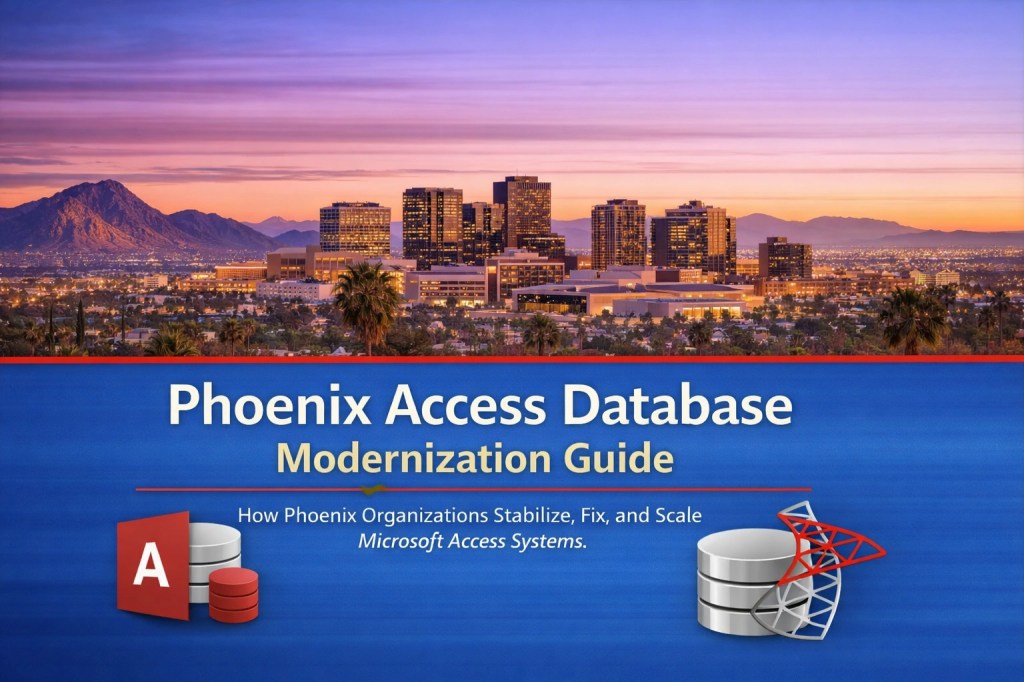
Phoenix Access Database Modernization: A Practical Upgrade Path Without A Full Rebuild
MS Access Solutions Phone: (323) 285-0939
Get more information on the
Phoenix Access Database Modernization web page.
If your Microsoft Access database is the system everybody relies on, you already understand the stakes. When the database is fast and stable, work flows. When it slows down or becomes unreliable, everything backs up: reporting, scheduling, invoicing, customer follow-up, inventory, compliance tracking, and day-to-day decision-making.
Most Access databases don’t start out complicated. They start out helpful. Someone builds a clean intake form, a job tracker, or a reporting tool that saves hours each week. Then the organization grows. More people use it. More data gets added. Automation expands. “Just one more quick change” becomes the normal routine. Over time, the database gets heavier, and what used to feel simple starts to feel fragile.
In Phoenix, that growth curve is common. Organizations move fast, processes evolve, and reporting needs change quickly. Modernization is what brings the system back to a place where performance is predictable, updates are safe, and staff can trust the database again.
Modernization Is Not “Throw Access Away”
A lot of people assume modernization means replacing Access with an entirely new platform. Sometimes a rebuild is the right call, but it’s not the default. In many cases, the smartest move is to keep what already works well, especially your front-end experience: forms, reports, and familiar workflows. Then you modernize the parts that cause the pain: data storage, query performance, multi-user stability, security, and maintainability.
A common modernization architecture is:
Access front-end (forms and reports) paired with a stronger back-end such as
SQL Server or Azure SQL. You keep the productivity of Access while gaining better concurrency handling, backups, permissions, and long-term scaling.
Common Signs You’re Ready To Modernize
If you’re seeing several of these, it’s time to plan an upgrade path:
- ➖ Reports take forever, time out, or fail inconsistently.
- ➖ Multi-user conflicts show up (locking issues, “could not update,” odd runtime errors).
- ➖ Corruption scares, frequent Compact/Repair cycles, or “inconsistent state” warnings.
- ➖ A shared file setup where everybody is effectively working in the same database file.
- ➖ VBA and macros are critical, but changes feel risky because there’s little documentation.
- ➖ One person holds the knowledge, so improvements slow down or stall completely.
These are not small inconveniences. They are signals that your current design is hitting limits. The longer you wait, the more workarounds become permanent, and the more expensive it gets to stabilize the system later.
A Practical Modernization Path Without Disrupting Daily Work
The best modernization projects happen in stages. You reduce risk first, then improve speed, then strengthen the foundation for future changes:
- ✅ Stabilize and document. Identify critical tables, queries, forms, reports, and where business rules live, so future changes are deliberate instead of guesswork.
- ✅ Split and deploy correctly. A clean front-end/back-end setup plus reliable deployment reduces conflicts and makes updates far safer in multi-user environments.
- ✅ Tune performance bottlenecks. Indexing, query refactoring, form design fixes, and report optimization often produce immediate wins.
- ✅ Move tables to a stronger back-end when needed. SQL Server or Azure SQL can reduce corruption risk, improve concurrency, and support growth without constant troubleshooting.
- ✅ Harden automation and error handling. Clean up VBA where it matters, add predictable logging, big surprises.
The key is sequencing. You do not have to stop operations to modernize. You can stabilize and improve in a way that keeps staff productive while risk is reduced behind the scenes.
Why This Matters For Phoenix Organizations
In many Phoenix offices, the Access database is the operational backbone, not a side project. When reporting slows down, decisions slow down. When multi-user conflicts pop up, staff wastes time retrying, re-entering, or creating spreadsheets “just to get through today.” And when people get nervous about touching the system, the database stops evolving even when the business needs it to.
Modernization restores confidence. The goal is a database that loads fast, runs reliably, supports multiple users without chaos, and can be maintained without fear. That is what keeps your system useful for the next phase of growth, instead of becoming an obstacle.
A Simple First Step
Start by answering one question:
What is the single biggest pain point right now? Speed, stability, multi-user conflicts, or reporting. That answer usually points directly to the highest-impact first fix.
For the complete Phoenix-focused guide, open the article on the
Phoenix Access Database Modernization web page.
 MS Access Solutions
Leave a comment